Shopify to QuickBooks Online
4.9/5 from 262 customer reviews on QuickBooks, Amazon, and Capterra
A Shopify QuickBooks Online connector for payout reconciliation, inventory sync, Shopify POS tracking, and product-level profitability.
Built for Shopify and Shopify Plus stores that need clean accrual accounting, online vs. POS visibility, and location-aware inventory in QuickBooks Online.
Using QuickBooks Desktop? See Shopify → QuickBooks Desktop.
Back to: all integrations | QuickBooks Online integrations | Shopify integrations
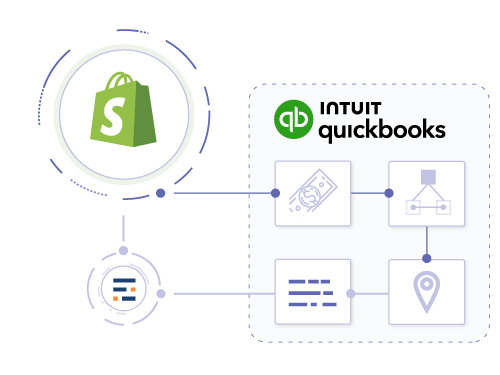
Import details
Automated Shopify accounting
- ✔ Transaction-level Sync
- ✔ Payment-First Recognition
- ✔ Ship-to-Revenue Accounting
- ✔ Automated Reconciliation
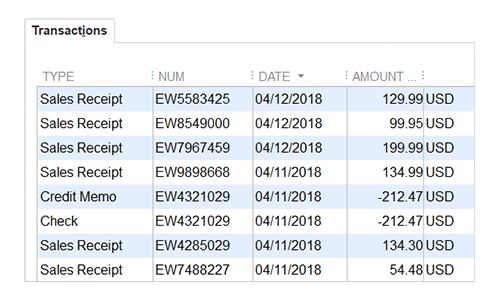
Advanced tracking
Track Shopify POS vs. Online Store
- ✔ Separate Reporting for POS vs. Online
- ✔ Class Tracking by Sales Channel
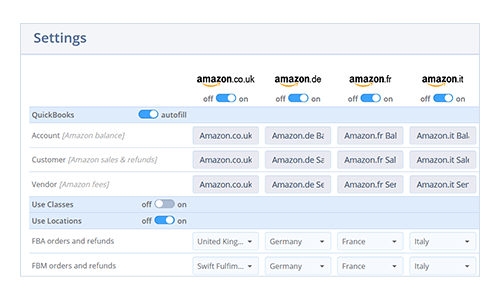
Inventory mapping
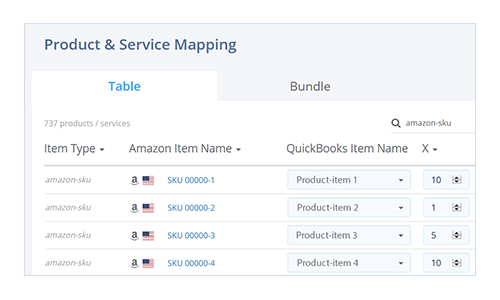
Sync Shopify products to QuickBooks inventory
- ✔ Real-time sync for Online & POS
- ✔ Map Shopify variants to QBO items
- ✔ Auto-deduct inventory on sale
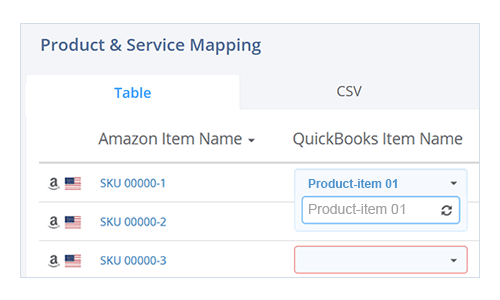
Advanced inventory
Handle Shopify bundles and kits
- ✔ Map bundles to multiple QBO components
- ✔ Support for complex kit structures
- ✔ Accurate inventory deduction for bundles
Location tracking
Track sales by Shopify Location
- ✔ Map Shopify Locations to QBO Locations
- ✔ Auto-assign Location Tags to Sales
- ✔ Segment Reporting by Warehouse/Store
Cost of goods sold
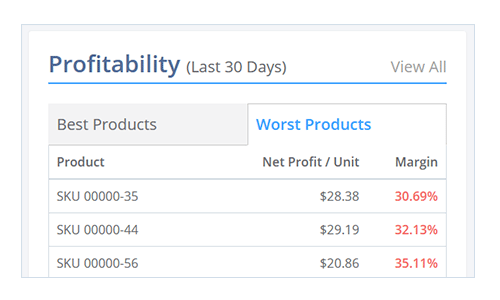
Calculate true Shopify profitability
- ✔ Include transaction fees in COGS
- ✔ Factor in shipping costs
- ✔ Product-level profitability reports
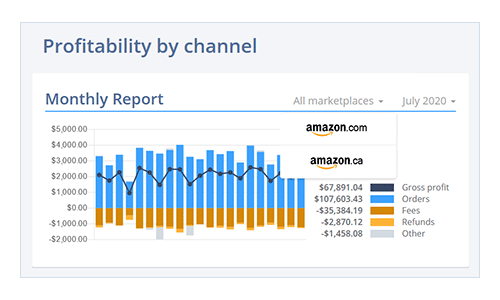
Sales fees
Track payment gateway fees per order
- ✔ Track Shopify Payments fees
- ✔ Record PayPal/Stripe fees
- ✔ Net margin visibility
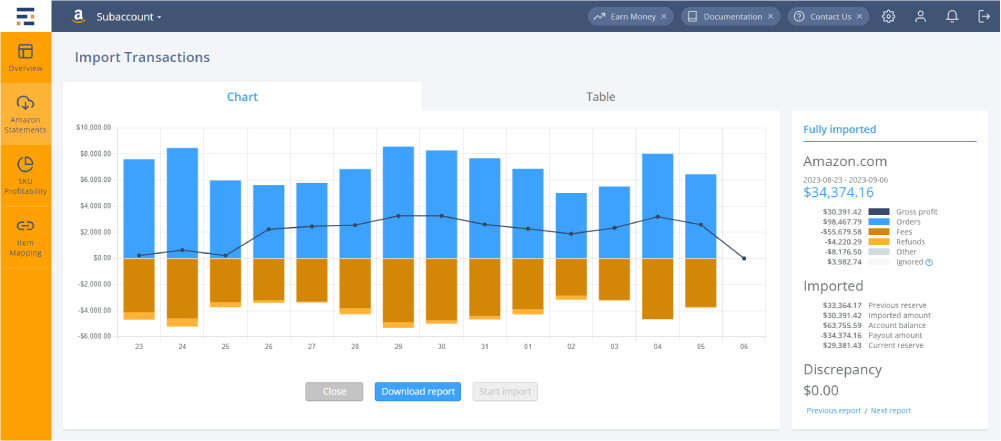
Your numbers will be reconciled to the penny!
Our unique automatic reconciliation algorithm guarantees 100% correct imports. Whether you process 1,000 or 1,000,000 orders per month, Entriwise imports will reconcile to the penny.
Looking for something else? Talk to our in-house CPA and advisors
professionals who understand e-commerce needs.
Together we will find a solution that works exactly for your company, allows up and running quickly, with less disruption to your business.